I have registered my app on the API Console
You can see here that the SHA 1 key matches
And the package name from the manifest matches as well

App signing is configured
And is in use by the debug build
And the sheets API is enabled
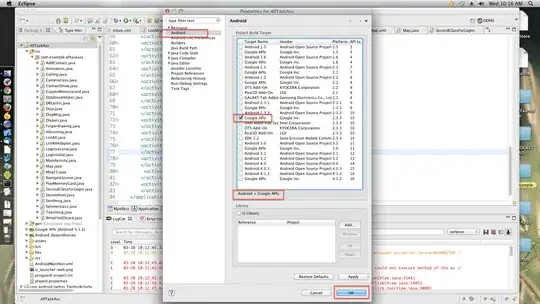
And yet every time my code tries to interact with a sheet I get an Exception
Caused by: com.google.android.gms.auth.GoogleAuthException: UNREGISTERED_ON_API_CONSOLE
I have done much googling on this, and found many people with the same issue, but the solution for them was to register their debug fingerprint on the API console, which I have done.
I have also generated a separate keystore and key for production, registered that on the API console and then built a signed APK but to no avail.
I have been trying to figure this out for days, I keep coming back to it and not making any headway. What am I missing?


